

Streamline inspections with a digital platform. Office users design assessment forms that field staff use to complete on-site inspections on mobile devices, either phone or tablet.
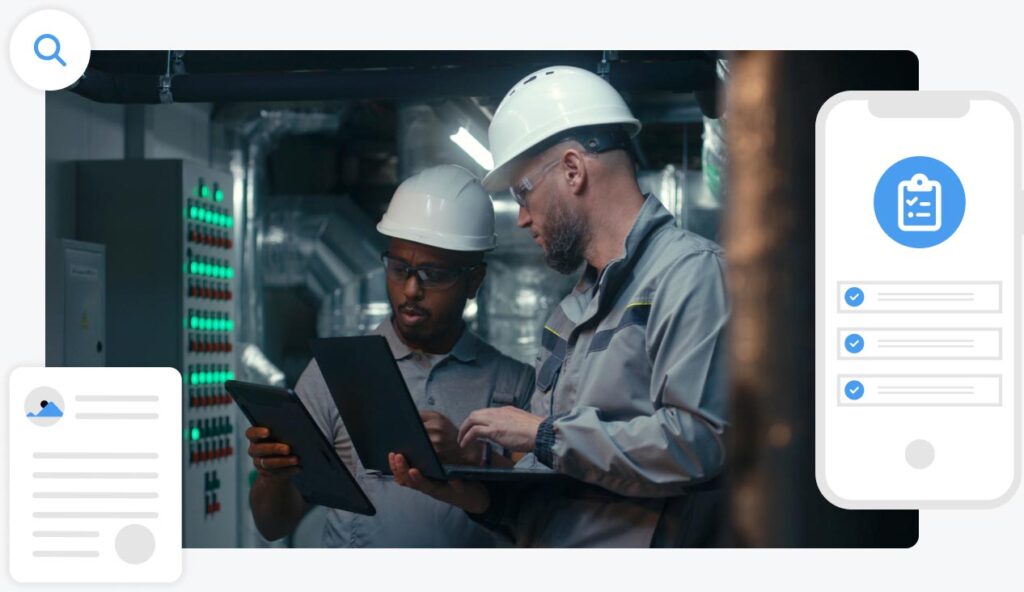
Inspection software which eliminates paper-based reporting
Velappity inspections software empowers field inspectors to conduct assessments using a mobile app to streamline accuracy. Office users use the desktop solution to create and schedule jobs, design custom forms with the Forms Designer and produce reports for clients upon completed inspections.

Streamline inspection processes
Accurate paperless inspections
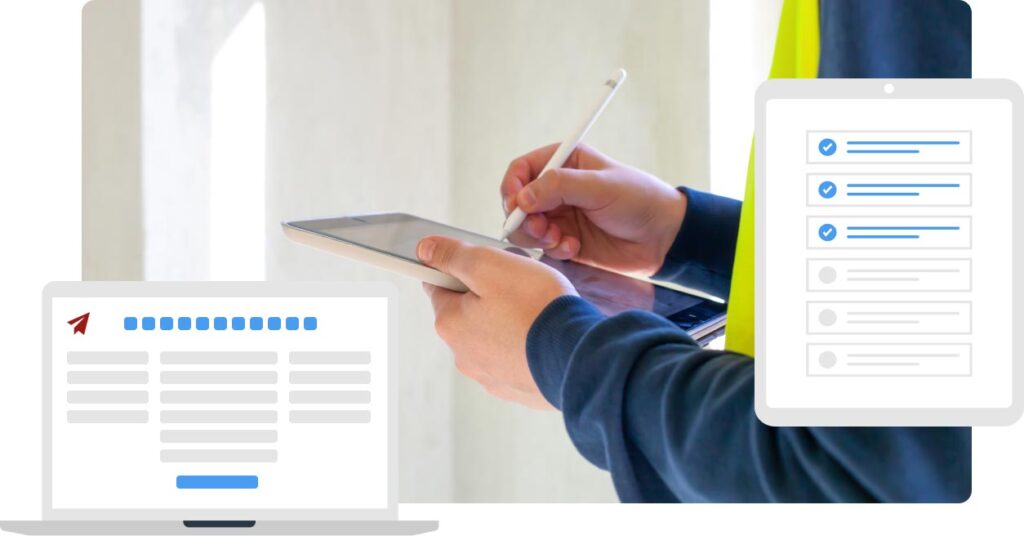

Seamless client reports
Velappity’s inspection functionality
- Use paperless assessments
- Leverage mobile inspections
- Benefit from offline capabilities
- Create custom inspection forms
- Add multiple form features
- Create and assign jobs
- Schedule recurring jobs
- Monitor digital job lists
- Serve multiple clients
- Add various client sites
- Provide more accurate reports
- Streamline team management
Velappity’s inspection features
Enhance operations
Improve operations with inspection software like Clearwater did by enhancing the team’s communication and collaboration.
Inspect multiple sites
Add multiple clients and sites with numerous locations for seamless multi-site risk assessments.
Use paperless inspections
Inspectors sync forms to their mobile device and sync them back once completed to generate reports.
Build custom forms
Office users create custom forms for specific assessments. Create multiple forms for each type of inspection you preform.
Assign jobs easily
Inspection software enables office users to create jobs seamlessly and assign users to specific jobs.
Schedule recurring jobs
Office users assign recurring inspector jobs to forward plan inspection jobs.
Offline working
Mobile users sync job lists quickly and use offline working capabilities to avoid operational downtime.
Generate custom reports
Office users generate custom client reports with accurate information once mobile users complete inspections.
Start a free trial to digitise assessments using software with accuracy and efficiency in mind
Benefits of using Velappity for inspections
Frequently asked questions
Yes, you are not limited in the number of inspection forms you can create. This means you can create different forms for the different types of inspection that you undertake. Depending on your subscription type, custom reports can also be created for each type of inspection form.
In Velappity, jobs are assigned to mobile users. These jobs detail the site the job is to take place in and the date and time it is scheduled for. Once an inspector syncs their mobile device, their assigned jobs will appear. Office users have an overview of jobs on the jobs list page which shows which inspectors are assigned to specific inspections.
Our inspection software has offline capabilities. Mobile users sync the job list to their mobile device to use offline and sync the results back to the desktop platform for office users once back online. The feature allows inspectors to complete inspections even when offline.