

Create estimates, quotes and invoices from the all-in-one inspection and compliance monitoring platform with quick access to client details.

Go digital with client billing
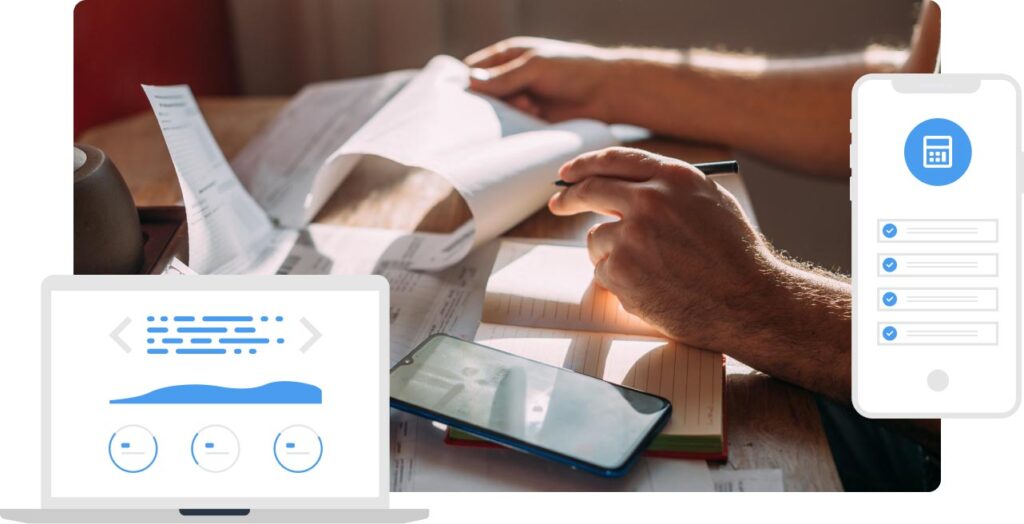
Send estimates, quotes and invoices to your clients by populating the client’s details for the site inspection or monitoring visit straight from the digital platform. Go paperless when invoicing clients for field inspections, monitoring visits or repair work. Add labour and parts for straightforward billing.

Create estimates
Create quotes


Create invoices
Billing software functionality
- Go paperless with billing
- Custom estimates, quotes and invoices
- Add parts and labour
- Create invoices from quotes and estimates
- Add client details
- Send via email
- Set VAT rates
- Create email templates
- Define terms and conditions
- Status tracking
- Track creation date/time
- Send client invoices faster
Velappity’s core billing features
Digitise billing
Use the digital tools to create paperless estimates, quotes and invoices.
Simplify invoicing
Create invoices directly from past client estimates and quotes once accepted.
Duplicate billing docs
Send similar quotes or estimates again by duplicating the billing document.
Parts and labour
Define parts and labour and their prices specific to your company’s services.
Status tracking
Track the status of estimates, quotes and invoices from the relevant tabs to identify required follow up.
Terms and conditions
Set your terms and conditions to pull through into billing documents.
Set VAT rates
Assign VAT rates to individual parts and labour, as rates can differ across products and services.
Email client invoices
Automatically email billing documents to clients from Velappity.
Start a free trial today to automate billing functions for inspections and compliance monitoring
Benefits of using Velappity for billing
Frequently asked questions
You will add your email to the company profile before adding a contact person for each client, which requires contact details. Created estimates, quotes and invoices have a button that easily allows you to send clients the documents via email.
Yes, clients can choose to accept or reject quotes. Your clients will respond to you directly about quotes, meaning you are able to follow up with them about their reasoning if they choose to reject a quote. When a client has chosen to accept or reject a quote, you can then update its status within Velappity.
Payments cannot currently be taken through Velappity. Once payment is received, office users will update the invoice status. You can include payment details within the invoice and ask clients to include the invoice number as a reference in their payment.
An estimate is the approximate price clients will pay for the parts and labour while a quote is a finalised number to be agreed to by the client.